
Is it safe to let an AI agent post on LinkedIn?
By PostPen Team ·
It can be, if the agent never holds your LinkedIn password or token, you review posts before they go out, and you can cut off access at any time. LinkedIn's User Agreement prohibits bots and unauthorized automated methods for actions like creating, commenting on or sharing posts, and LinkedIn Help asks you to review, edit and approve any content you've used AI to assist with. So pick a setup where the agent drafts, a person approves, and you can revoke access in one step.
Start free with PostPen: your agent writes the post, and PostPen schedules and publishes it, with every scheduled post on a calendar you can review first.
This guide separates two questions. First, what LinkedIn's own rules say. Second, what the tool between your agent and LinkedIn should do to keep you in control.
What LinkedIn's rules say
LinkedIn's rules are public. Here is what they say, quoted exactly, with sources checked October 9, 2026.
User Agreement, section 8.2
The LinkedIn User Agreement (effective November 3, 2025) lists things members agree not to do. Three items matter most for agent posting.
On automation, members agree not to:
"Use bots or other unauthorized automated methods to access the Services, add or download contacts, send or redirect messages, create, comment on, like, share, or re-share posts, or otherwise drive inauthentic engagement"
On scraping, members agree not to:
"Develop, support or use software, devices, scripts, robots or any other means or processes (such as crawlers, browser plugins and add-ons or any other technology) to scrape or copy the Services, including profiles and other data from the Services"
On accounts, members agree not to "use or attempt to use another's account (such as sharing log-in credentials or copying cookies)".
Prohibited software and extensions
LinkedIn Help, Prohibited software and extensions, says LinkedIn doesn't permit "any third party software, including "crawlers", bots, browser plug-ins, or browser extensions that scrape, modify the appearance of, or automate activity on LinkedIn's website."
It adds that members who use such tools are in violation of the User Agreement, and that "they risk having their accounts restricted or shut down."
Content created with AI
LinkedIn Help, Best practices for content created with the help of AI, says AI tools can support people "by refining language, proofreading, or being more concise", but "content should still reflect the member's own voice, perspective, and experience."
It goes on: "We urge you to review, edit, and approve of any content that you've used AI to assist with." It adds that "you are ultimately responsible for everything you post on LinkedIn." It also recommends that you let others know, if it isn't obvious from context, when you've relied heavily on AI to help create or modify content.
What that means in plain terms
The rules target unauthorized automation, scraping, shared credentials and inauthentic engagement. Whatever tool you use, you're responsible for what's posted.
This guide doesn't interpret the rules beyond their text. If you're unsure whether a specific setup fits them, read the sources above in full.
The risks to check before you connect an agent
Before an AI agent posts on LinkedIn for you, look at five risks:
- Credentials or tokens exposed. If the agent, a prompt or a chat log can see your password or access token, anyone who reads that log could too.
- Posts going out without review. An agent can misread a request or invent a detail. Without a review step, that goes straight to your profile.
- Wrong account or page. If you manage company pages, a post meant for one page could land on another, or on your personal profile.
- No way to revoke. If you can't cut off access in one step, a problem keeps running while you look for the setting.
- Engagement automation. Tools that auto-like, auto-comment, send connection requests or send messages touch the "inauthentic engagement" line in the User Agreement.
People also search "is LinkedIn automation safe" when they mean those engagement bots. That's a different job from publishing posts you wrote with an agent's help.
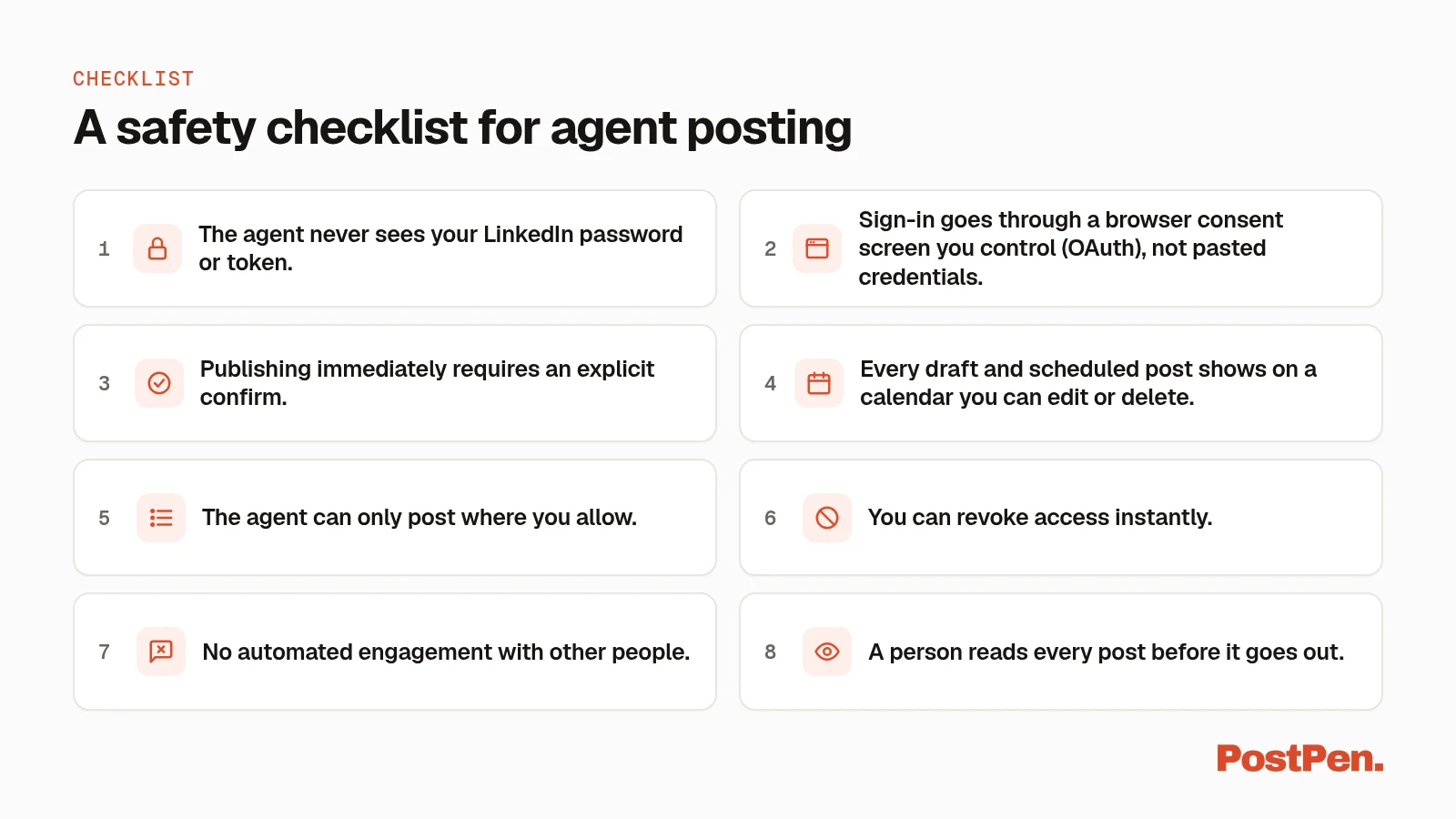
A safety checklist for agent posting
Use this list to judge any setup, whichever tool you pick:
- The agent never sees your LinkedIn password or token. If it can't see them, it can't leak them into a chat or a log.
- Sign-in goes through a browser consent screen you control (OAuth), not pasted credentials. You see what you're allowing and can say no.
- Publishing immediately requires an explicit confirm. A misunderstood request can't push a post live by accident.
- Every draft and scheduled post shows on a calendar you can edit or delete. You see the whole queue, not just what the chat tells you.
- The agent can only post where you allow. A fixed list of destinations limits mistakes with pages.
- You can revoke access instantly. One step should stop the agent.
- No automated engagement with other people. That means no auto-likes or auto-comments on others' posts, no connection requests and no DMs.
- A person reads every post before it goes out. That matches LinkedIn's guidance to review, edit and approve AI-assisted content.
How PostPen handles each point
PostPen is LinkedIn scheduling and publishing for AI agents. Your agent writes the post; PostPen holds the LinkedIn connection, queues the post and publishes it. PostPen is an independent service and isn't affiliated with or endorsed by LinkedIn.
| Checklist item | How it works in PostPen |
|---|---|
| Agent never sees your token | You connect LinkedIn once inside PostPen. The token stays on PostPen's server, and no tool accepts or returns a LinkedIn token. |
| Browser consent sign-in | Your agent adds https://mcp.postpen.ai, a remote MCP server with OAuth 2.1 sign-in. A browser opens, you sign in to PostPen and click Allow. Bots without MCP use a bearer API key from app.postpen.ai/agents. |
| Confirm before publishing now | publish_now is refused unless the call includes confirm: true. unschedule_post and delete_draft need confirm: true too. |
| Calendar review | Drafts, scheduled and published posts appear on one calendar at app.postpen.ai. You can edit, move, send back to drafts, or delete anything before it goes out. |
| Only where you allow | list_destinations lists only your profile and the company pages your plan allows. |
| Instant revoke | Remove PostPen from the agent, revoke the API key, or disconnect LinkedIn (see below). |
| No engagement with others | None of PostPen's eleven tools sends connection requests or messages, or likes or comments on other people's posts. list_comments only reads comments on your company page posts. |
| Human review | Scheduled posts wait on your calendar until their time, so you can read each one first. |
Two optional settings on save_draft act on your own post only, when it publishes. first_comment adds your comment to your post, for example a link. auto_react likes the post from the same account.
Both are settings your agent passes when it saves a draft. Decide whether you want them, and tell your agent.
To see how sign-in works for each agent, read how to connect your agent.
How to revoke access
You can stop an agent in three ways, per PostPen support:
- Remove PostPen from your agent's connector or MCP settings. The agent can no longer call PostPen's tools.
- Revoke the API key at
app.postpen.ai/agents. Agents using that key are cut off right away. - Disconnect LinkedIn inside PostPen. Nothing can publish to your LinkedIn account through PostPen after that.
Use options 1 and 2 to stop one agent. Use the third to stop everything at once.
Keep the human in the loop
A safe flow has three steps: the agent drafts, you review and edit on the calendar, and the post publishes at the time you scheduled.
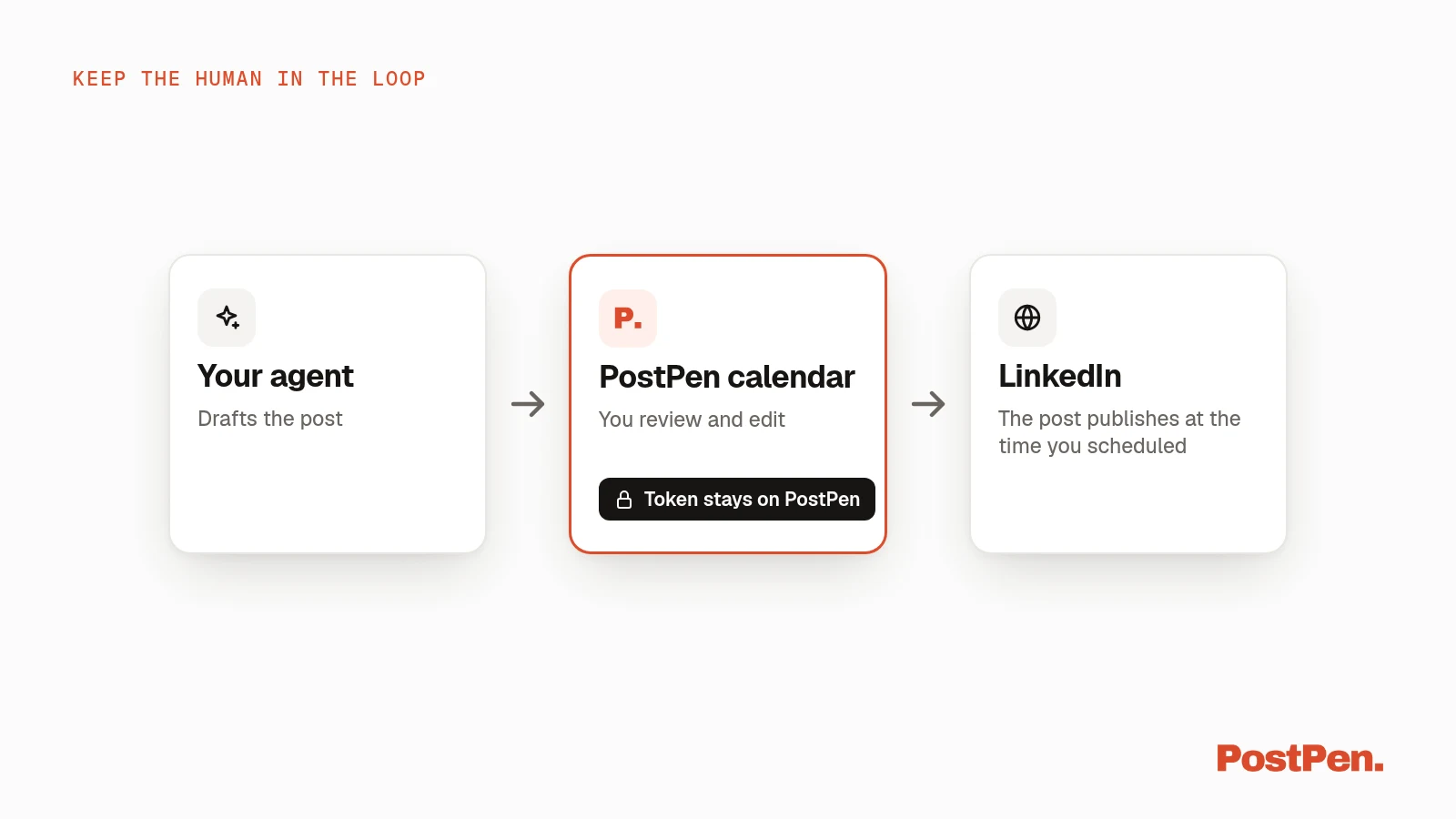
That's the same idea as LinkedIn's guidance: review, edit and approve what you post, because you're responsible for it. A calendar makes that review a habit instead of an afterthought.
See how agent scheduling works for the full flow from chat to calendar.
FAQ
Does LinkedIn allow AI-written posts?
LinkedIn Help says AI tools can support people by refining language, proofreading or being more concise, but content should still reflect your own voice, perspective and experience. It urges you to review, edit and approve any content you've used AI to assist with, because you're responsible for everything you post (checked October 9, 2026).
Will an AI agent get my LinkedIn account restricted?
LinkedIn says members who use prohibited automation or scraping tools risk having their accounts restricted or shut down. Avoid tools that automate likes, comments, messages or scraping, and review every post before it goes out.
Does my agent see my LinkedIn password or token with PostPen?
No. You connect LinkedIn once inside PostPen. The token stays on PostPen's server, and no tool accepts or returns a LinkedIn token.
Can my agent publish without my approval?
publish_now only runs when the call includes confirm: true. Drafts and scheduled posts appear on your PostPen calendar first, where you can edit or delete them.
How do I stop an agent from posting?
Remove PostPen from your agent's connector settings, revoke the API key at app.postpen.ai/agents, or disconnect LinkedIn inside PostPen.
Let your agent draft, and keep the final say
Connect LinkedIn once, add PostPen to your agent, and review every post on one calendar before it goes out.