
LinkedIn post ideas: 30 topics when you're stuck
By PostPen Team ·
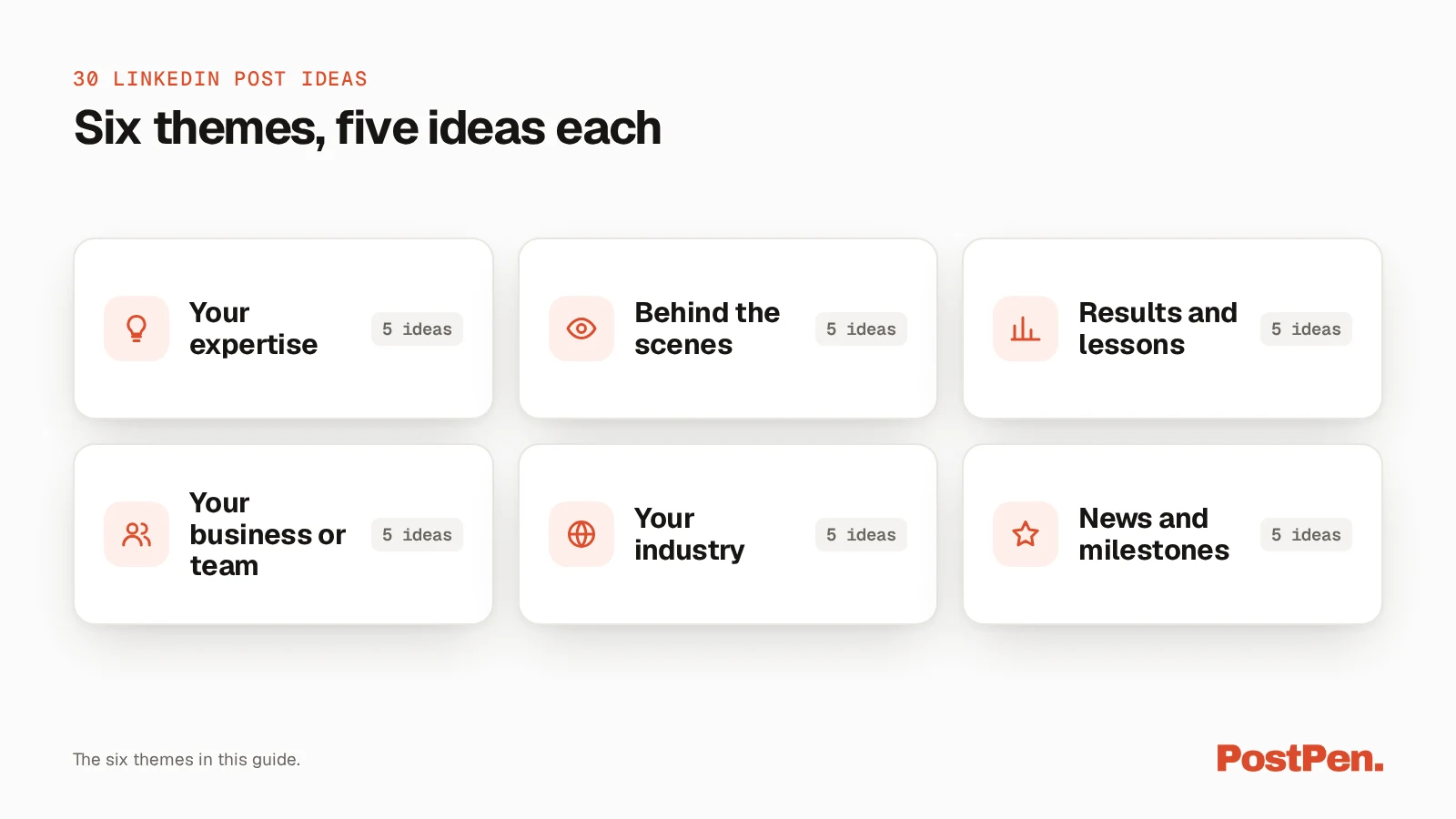
The best LinkedIn post ideas come from your own work: a question people keep asking you, a decision you made this week, a lesson from a project, or your take on news in your field. Below are 30 ideas in six themes: your expertise, behind the scenes, results and lessons, your business or team, your industry, and news and milestones. Pick one, say one clear thing, and keep it within LinkedIn's 3,000-character limit.
LinkedIn's Post and share updates page (a528176, LinkedIn Help, checked October 23, 2026) says "Posts can contain up to 3,000 characters." That is plenty of room for one idea told well.
Your agent writes, PostPen schedules and publishes.
30 LinkedIn post ideas
Each idea below is a topic, not a finished post, and each line tells you what to say about it. Read the list, mark the three or four that match something real from your week, and come back to the rest later.
The themes overlap on purpose. A lesson from a client project could sit under expertise or under results, so file it wherever it helps you remember it.
Your expertise
These ideas share what you know. They work well when you answer the same questions again and again, because the answer is already in your head.
- The question you hear every week: answer it once, in full, for everyone who asks.
- A mistake newcomers often make: name it, explain why it happens, and how to avoid it.
- A term people use wrongly: say what it really means in your field.
- What you'd teach a new hire on day one: the one thing that matters most.
- How you handle a common task: walk through your own steps for a routine job.
Behind the scenes
These ideas show how your work gets done, including the parts that usually stay hidden.
- A normal week of your work: what fills your days that outsiders don't see.
- A decision you're weighing right now: lay out the options and ask for views.
- How a project changed along the way: compare the first plan with the final version.
- A small process change that saved time: what you changed and what happened next.
- What you're working on this month: the project and why it matters to you.
Results and lessons
These ideas share what happened and what you learned. Honest posts about things that went wrong are often the easiest to write.
- A project that didn't go to plan: what happened and what you'd change.
- Something you changed your mind about: your old view, your new one, and why.
- A number you track: what it is and why it matters to you.
- A before-and-after of your own work: show the change and explain what drove it.
- Feedback that changed how you work: what someone said and what you did next.
Your business or team
These are LinkedIn post ideas for business pages and team leads. They put real people and real decisions at the center.
- Introduce a teammate: what they do and what they're great at.
- Why the business started: the problem you saw and the first step you took.
- How you make one key decision: pricing, hiring or priorities, and your reasoning.
- A customer question that changed your work: what they asked and what you changed.
- A team habit worth copying: a ritual that keeps your team working well.
Your industry
These ideas share your view on the wider field. They show how you think, not only what you do.
- Your take on a recent change: what changed in your field and what you think.
- A common belief you disagree with: state it fairly, then explain your view.
- A prediction for next year: what you expect and the reasoning behind it.
- A book, talk or article you'd recommend: what you learned from it.
- A question you can't answer yet: ask your network what they think.
News and milestones
These ideas mark something new. Keep the focus on who it helps or who helped you.
- A launch or update: what it is and who it's for.
- An event you're going to or just attended: why you went and one thing you learned.
- A work anniversary or milestone: what it marks and who helped you get there.
- An open role on your team: who you're looking for and what they'll work on.
- Something you're learning right now: what it is and why you started.
How to pick this week's idea
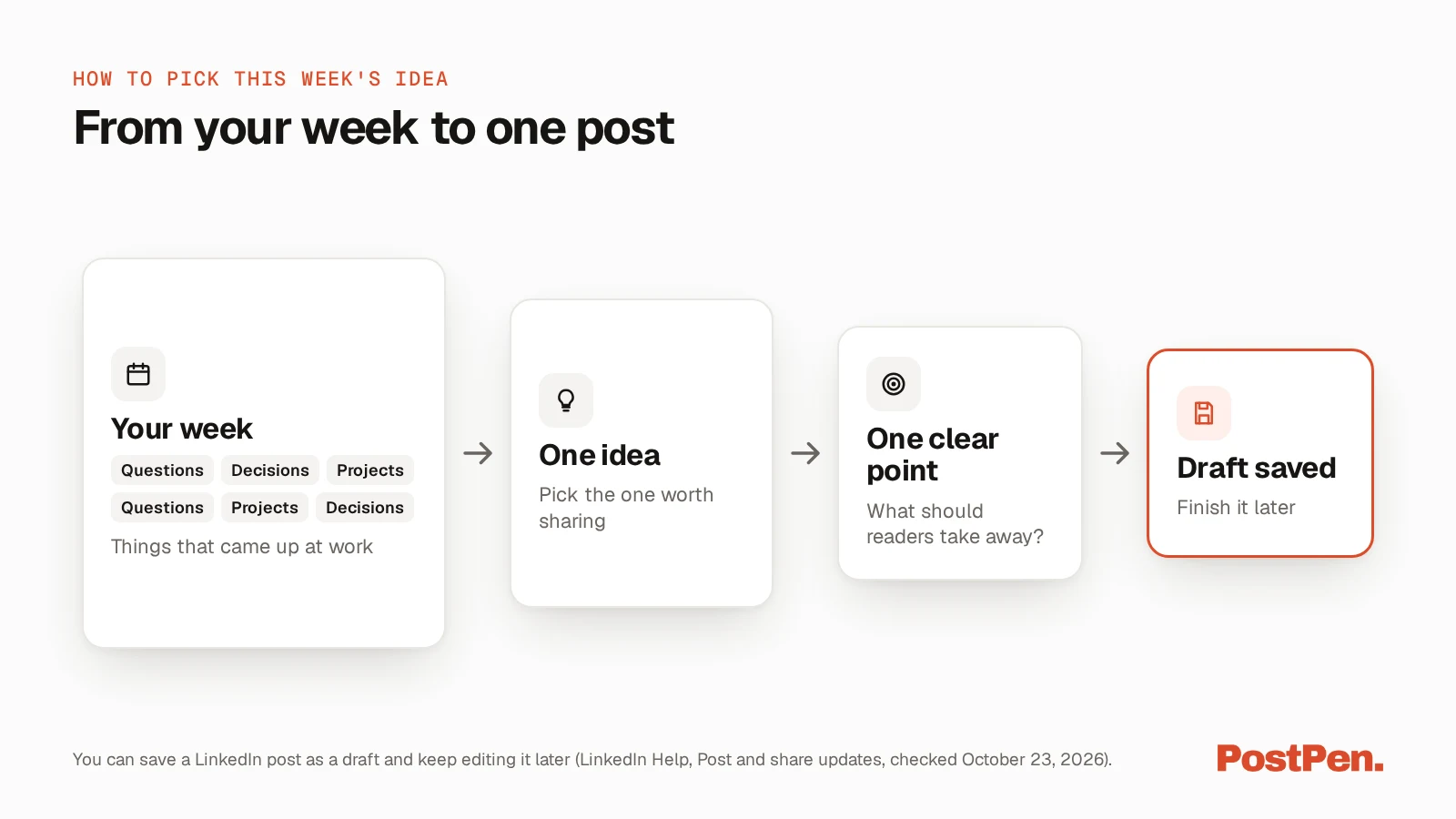
A list of 30 ideas helps only if you pick one. The goal is a topic you can write about this week without research or a long run-up. Use these four checks to choose:
- Check what people asked you this week. A real question is a ready topic.
- Pick the idea you could explain in two minutes without notes. If you can say it, you can write it.
- Say one thing per post. Save the second point for another week.
- Save the rest as drafts. LinkedIn's Post and share updates page (a528176, checked October 23, 2026) says "If you're not ready to publish right away, you can save your post as a draft and continue editing it later, including from another device."
Our guide to LinkedIn drafts covers where saved drafts live and how to find them again. A few saved ideas mean you never start a week with a blank page.
Turn an idea into a post
An idea is the topic; the structure comes next. For fill-in structures, see our LinkedIn post templates. If your agent drafts for you, our guide to writing posts with your agent covers what to give it.
LinkedIn's Post and share updates page (LinkedIn Help, checked October 23, 2026) shows options to add a photo or video, a poll or a document, so one topic can be a text post, a post with images, a video, a document or a poll.
Let your agent suggest ideas from your past posts
Through PostPen, your agent can read your recent results for the last 7 to 90 days next to the period before, and see which recent posts did better than your usual, with each post compared with the median of your recent posts.
Ask it to look at the posts that beat your usual, say what they have in common, and suggest three ideas from the list above that fit. Then you pick, your agent writes, and PostPen schedules and publishes.
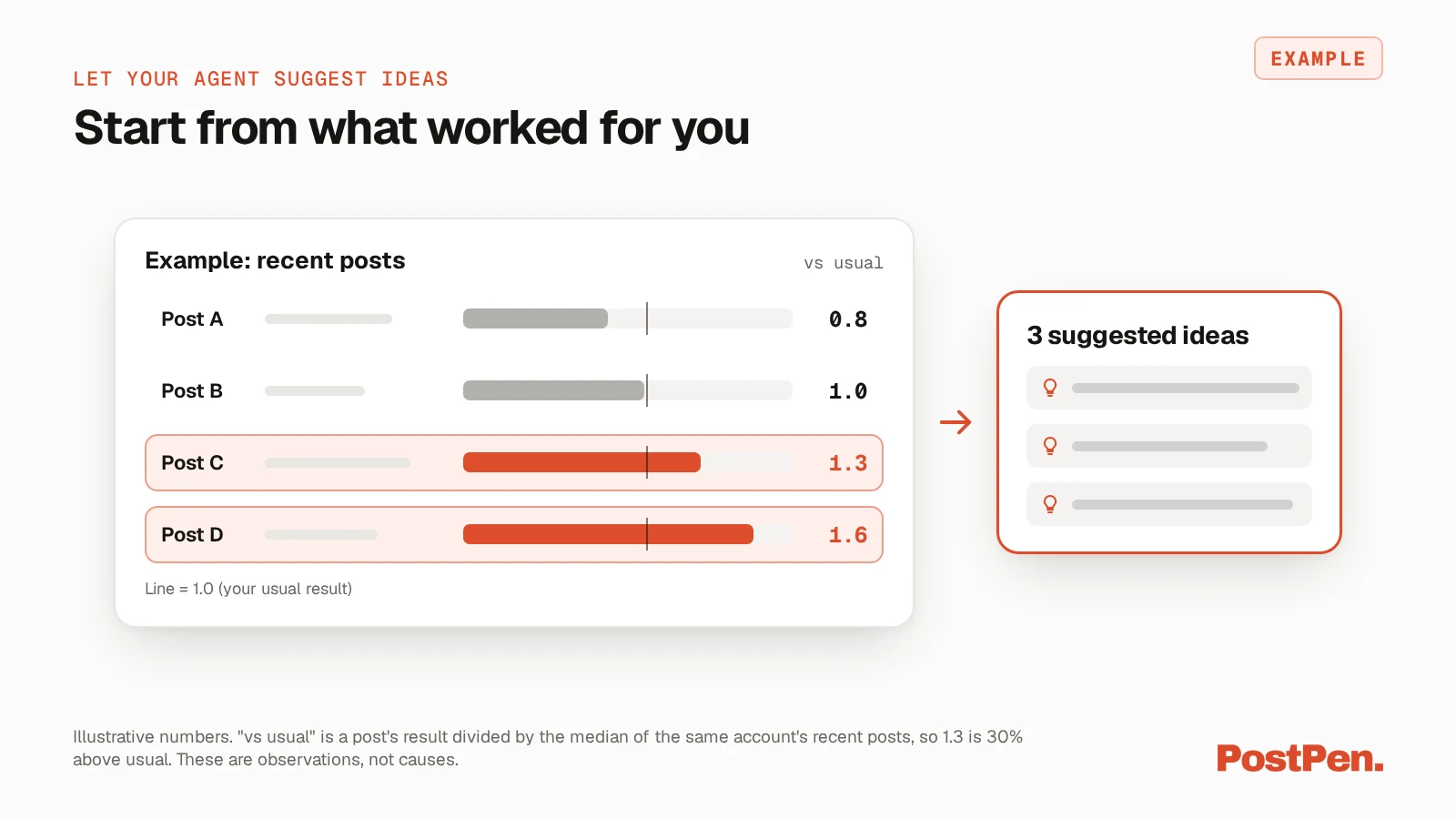
These figures are observations, not causes: with few posts the numbers move a lot by chance, and LinkedIn totals also include posts you made outside PostPen.
For the details, see what your agent can read about post analytics and PostPen's agent tools.
FAQ
Post about your own work: questions people ask you, lessons from projects, decisions you're making and your take on news in your field. Pick one idea per post and say one clear thing about it.
Look back at your week. The questions you answered, the problems you solved and the conversations you had are usually enough for a post.
LinkedIn Help says posts can contain up to 3,000 characters. For anything longer, LinkedIn suggests writing an article.
Introduce a teammate, explain why the business started, share a customer question that changed your work, announce a launch or an open role, and give your take on changes in your industry.
Yes. Through PostPen, your agent can see which of your recent posts did better than your usual and suggest topics like them. You choose the idea, your agent writes, and PostPen schedules and publishes.
Pick one idea and post this week
Choose one topic from the list, write it down in a sentence, and let it become this week's post. Save two more as drafts so next week starts with something ready. When the list runs dry, look back at your week again: the next idea is usually a question someone already asked you.
Your agent writes, PostPen schedules and publishes.